

The short answer
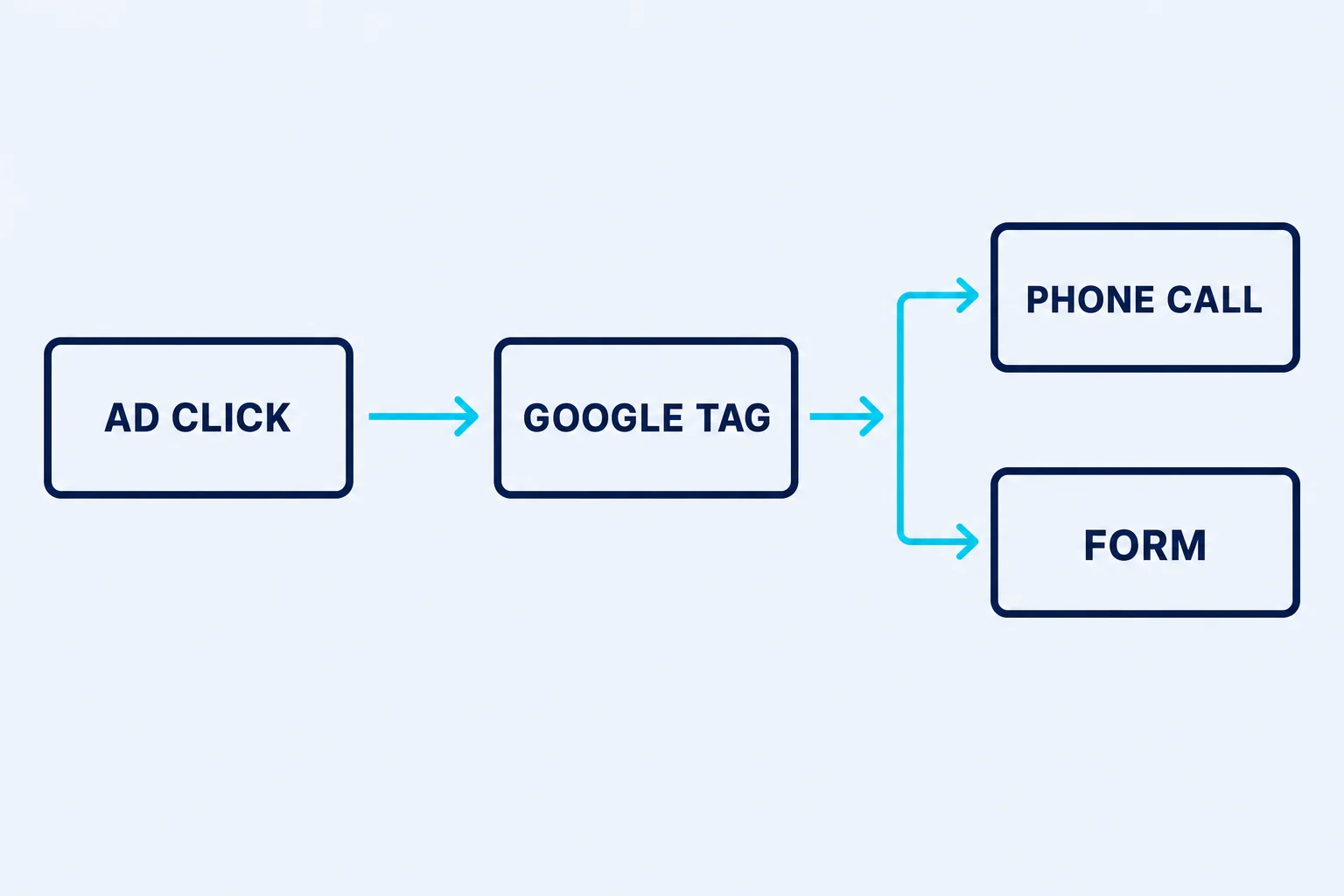
A Google tag is a small piece of code on your website that reports visitor activity back to Google Ads and Google Analytics. It is what lets an advertising account see that a click became a phone call or a form, rather than only seeing that the click was paid for.
What it is
A Google tag is a small piece of code that sits on your website and reports back to Google what visitors did. It is what turns a click you paid for into a recorded outcome: a call, a form, a quote request.
It is one tag doing several jobs. The same snippet can feed Google Ads, so bidding knows which clicks became enquiries, and Google Analytics, so you can see what happened on the site afterwards. Google Tag Manager is a different thing again: a container that holds tags and lets them be changed without touching the site code.
Why it is important
Without the tag, Google Ads is spending money blind. It can tell you what a click cost and nothing about whether the click was worth anything, which means every automated bidding strategy is optimising toward a target it cannot see.
The failure is quiet. A missing or half-installed tag does not throw an error or stop the campaign; it just leaves the conversion column at zero or, worse, at a number built from the pages it does happen to sit on. An account can run for months on data with holes in exactly the places that matter.
What it means for tradies
Check it on the page a lead actually lands on, not the homepage. If the tag is on your service pages but missing from the thank-you page, every form submission is invisible and the campaign looks like it is producing nothing while the phone rings.
It should also be in your own Google account, not an agency's. When the tag and the conversion history belong to someone else, changing providers means starting the measurement from scratch, and the months of learning your budget paid for go with them.
Google tag, in one line
The snippet on your site that reports events back to Google Ads and Analytics.